DTF Gang Sheet Builder
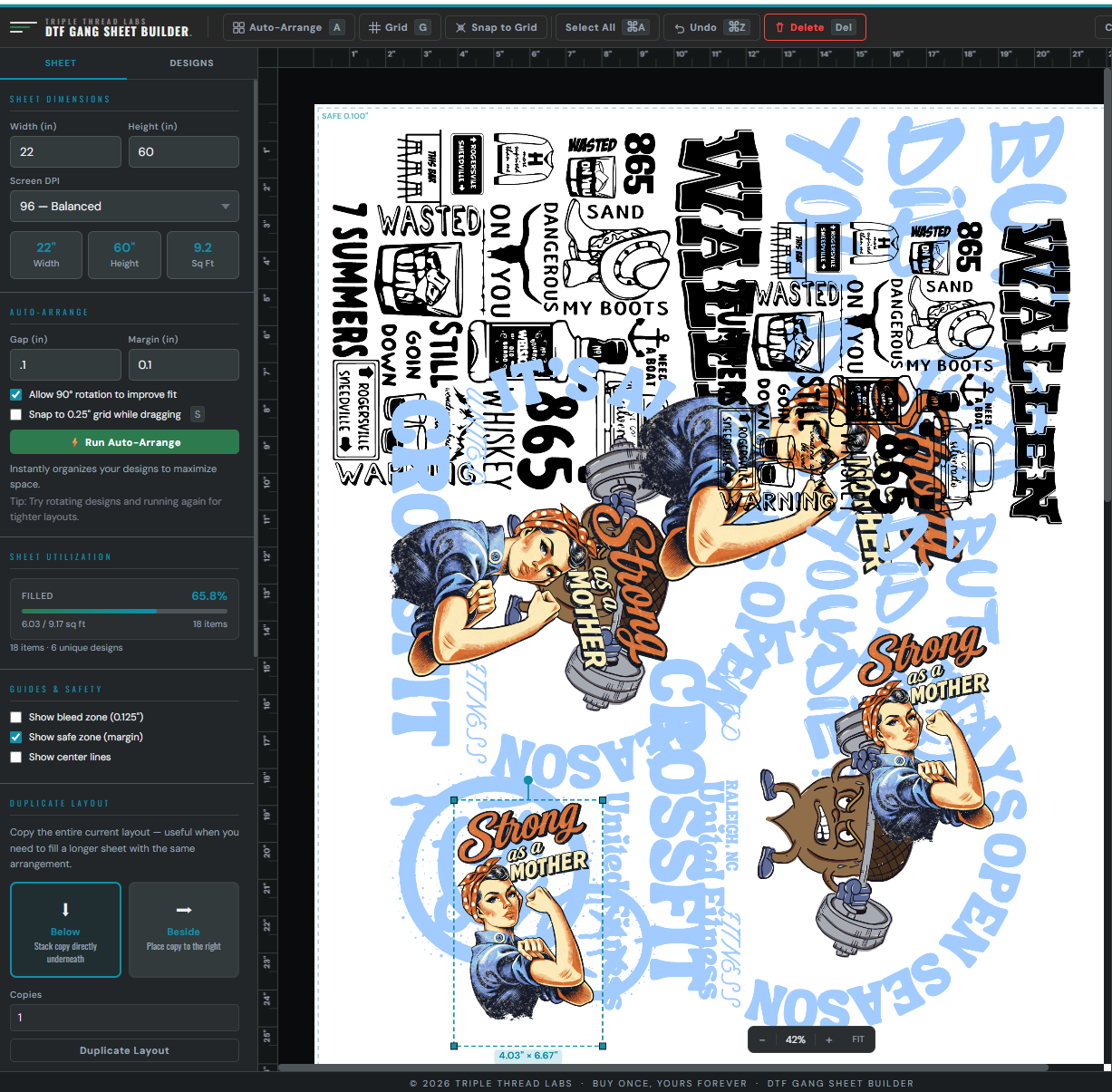
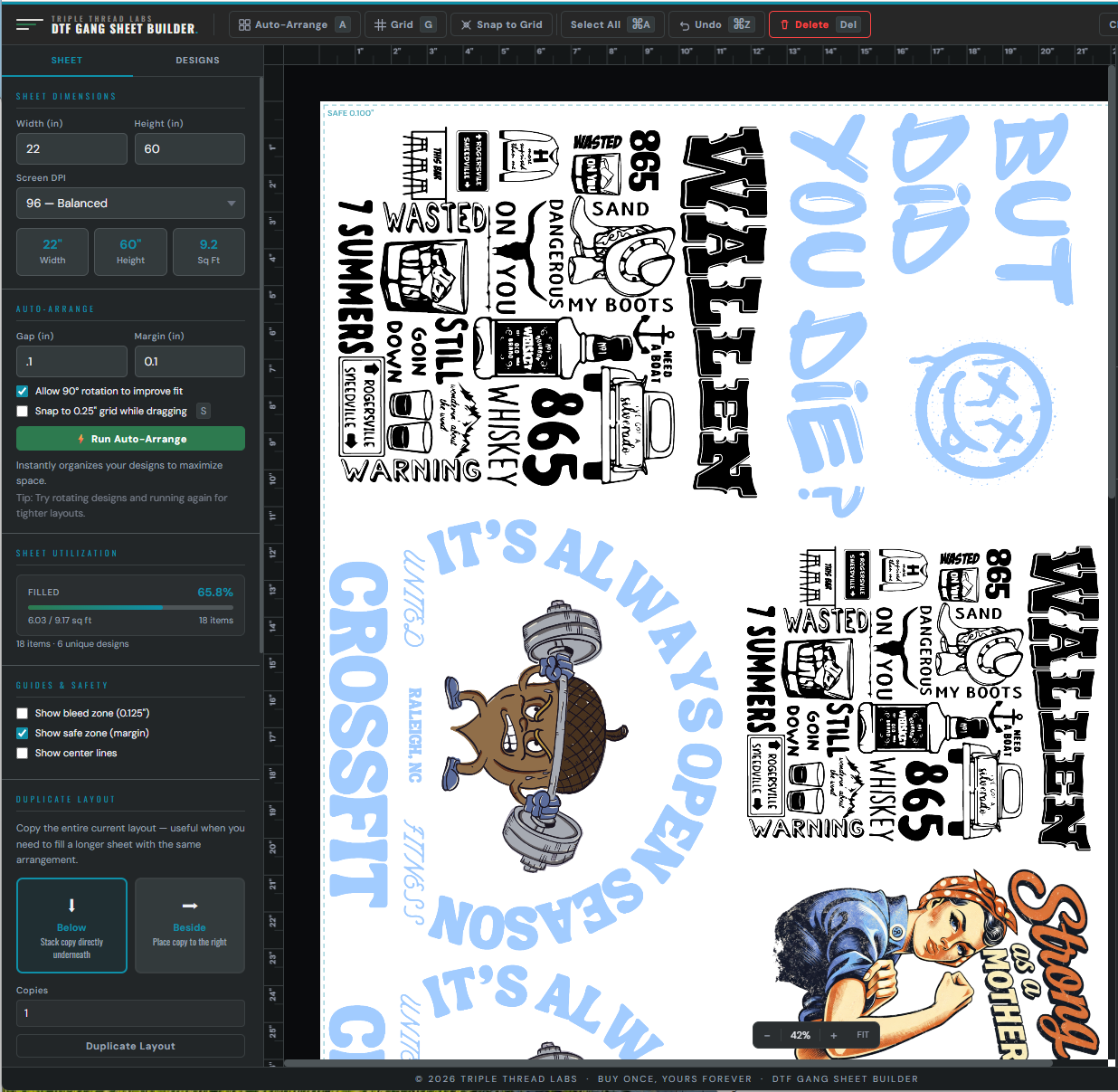
Drag your designs onto any sheet size, let Auto-Arrange pack them for maximum coverage, and export a print-ready PNG. No Photoshop, no Canva, no subscription.
What it does
A real bin-packing algorithm, not a guess. Packs designs for maximum sheet coverage and shows fill percentage and square footage in real time.
Most suppliers cap uploads at 100". Sheets longer than that get split into numbered segments automatically — ready to upload as-is.
Pick one design and Fill Sheet tiles it across every available inch, respecting your spacing and margins. One click instead of ten minutes of copy-paste.
Export a standard transparent PNG at 150, 300, or custom DPI. Sheet presets for 22", 24", 13", and UV DTF 11". Works offline after the first download.
Straight answers
- ✓ Instant download — one HTML file
- ✓ Runs offline in any browser
- ✓ Your designs stay on your machine
- ✓ Email support from the guy who built it
- · Desktop or laptop — not built for phones
“Photoshop is expensive. Canva isn't built for this. Doing it by eye by hand wastes material and adds twenty minutes to every order.”
Why this tool existsThis tool is one of 7 modules in Complete Embroidery & DTF Shop Manager — run your whole embroidery and DTF shop from one file. $51.99.